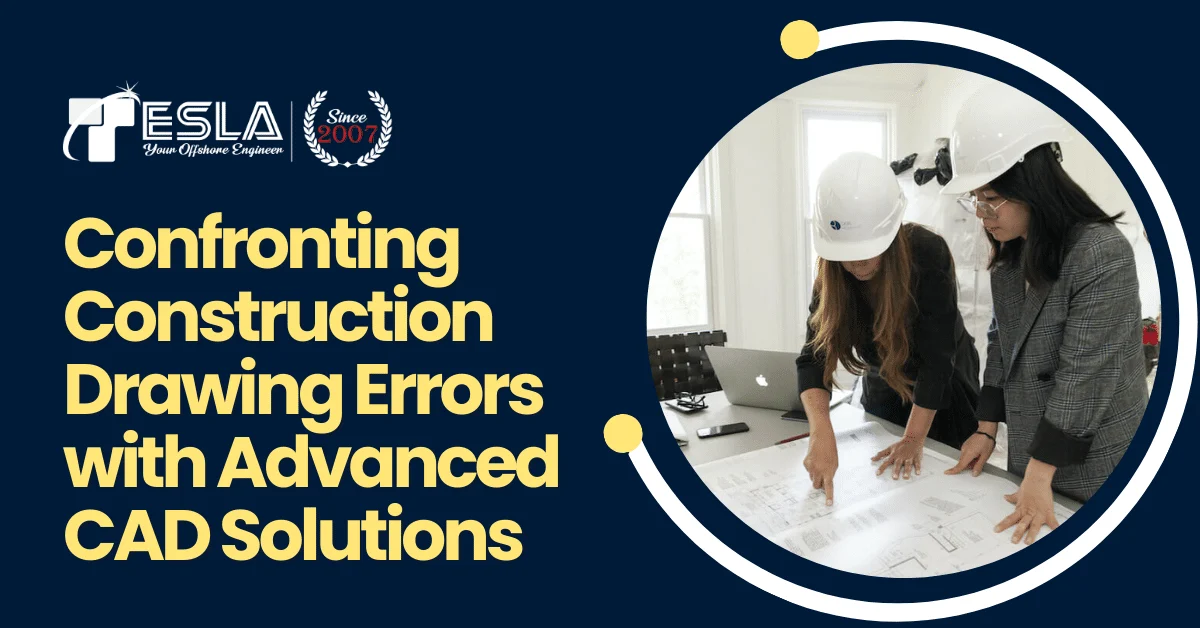
Construction projects are inherently complex undertakings, and the ultimate achievement of any project rests on careful planning and execution. Construction drawings serve as the blueprint for this process by providing a detailed visual representation of the project’s design intent as well as serving as the source of truth for all the permits regarding construction activities and compliance with building codes. However, errors and inconsistencies within these drawings can have significant downstream consequences, leading to costly delays, rework, safety hazards, and even legal disputes.
This blog post delves into the challenges associated with construction drawing errors and explores how advanced Computer-Aided Design aka CAD Services can be leveraged to mitigate these issues. We’ll explore the types of errors that commonly plague construction drawings, analyze the impact they have on projects, and showcase the functionalities of advanced CAD software that can streamline the creation, review, and collaboration processes, ultimately leading to more accurate and error-free construction documents. But wait! Let’s understand the basics first.
What are Construction Drawings?
Construction Drawing Services are a specific set of detailed instructions used to build something, like a house, bridge, or other structure. These drawings are created by architects, engineers, and other designers, and act as a visual roadmap for the construction crew. They typically include precise measurements for every element of the project, along with specifications for materials and construction methods. Having clear and comprehensive construction drawings is vital to ensuring that everyone involved in the building process is on the same page and that the final product is built according to the designer’s intent.
What are the types of Construction Drawings?
There are many different types of construction drawings, each focusing on a specific aspect of the project. These drawings work together to provide a comprehensive roadmap for the construction crew. Here are some of the most common types:
1. Architectural drawings: These drawings show the overall layout of the building, including floor plans, elevations (exterior walls), sections (cut-away views), and details (close-up views of specific elements).
2. Structural drawings: These drawings depict the building’s skeleton, such as the foundation, beams, columns, and trusses. They ensure that the structure can safely support the weight of the building and its contents.
3. Mechanical, electrical, and plumbing (MEP) drawings: These drawings illustrate the building’s mechanical systems (heating, ventilation, and air conditioning), electrical systems (lighting and power), and plumbing systems (water supply, drainage, and sewage).
4. Civil drawings: These drawings focus on the sitework necessary to prepare the building site, such as grading, drainage, and utilities.
5. Shop drawings: These drawings are created by fabricators or subcontractors to detail specific components of the building, such as stairs, cabinets, or metalwork. They are typically submitted to the architect or engineer for approval before fabrication begins.
Conquering construction drawing challenges with advanced CAD Solutions
Every construction project is unique and demands a customized approach to its design drawings. While past projects can serve as references but blindly replicating them in the other construction projects is a recipe for errors. Here’re some of common mistakes to watch out for and how advanced CAD solutions can help:
1. One-Size-Fits-All Drawings
Mistake: Copying drawings from past projects without considering the specific requirements of the current project.
Solution: Advanced CAD allows for the creation of project-specific templates that can be customized for each job. This ensures all drawings are tailored to the unique needs of the client and site.
2. Incomplete or Missing Information
Mistake: Delivering incomplete drawings due to lack of supervision, poor quality control, or unrealistic deadlines. This leads to confusion and costly change orders during the construction process.
Solution: Advanced CAD software often integrates review and approval workflows, ensuring all drawings undergo a thorough vetting process before being finalized. This promotes collaboration and transparency within the design team.
3. Insufficient Detailing
Mistake: Omitting crucial construction details or providing unclear notes in construction drawing services. This can lead to misunderstandings during procurement and construction phases.
Solution: Advanced CAD tools offer robust detailing features which allow architects to specify every component clearly and precisely. Additionally, these tools can link detailed notes directly to specific elements on the drawings, eliminating ambiguity.
4. Conflicting Information
Mistake: Inconsistencies between the construction drawings, specifications, and schedules. This creates confusion and delays in the project completion during construction.
Solution: Building Information Modeling aka BIM services provides a centralized platform for all project information. This ensures data consistency across all drawings and documents. This significantly minimizes the risk of conflicting information.
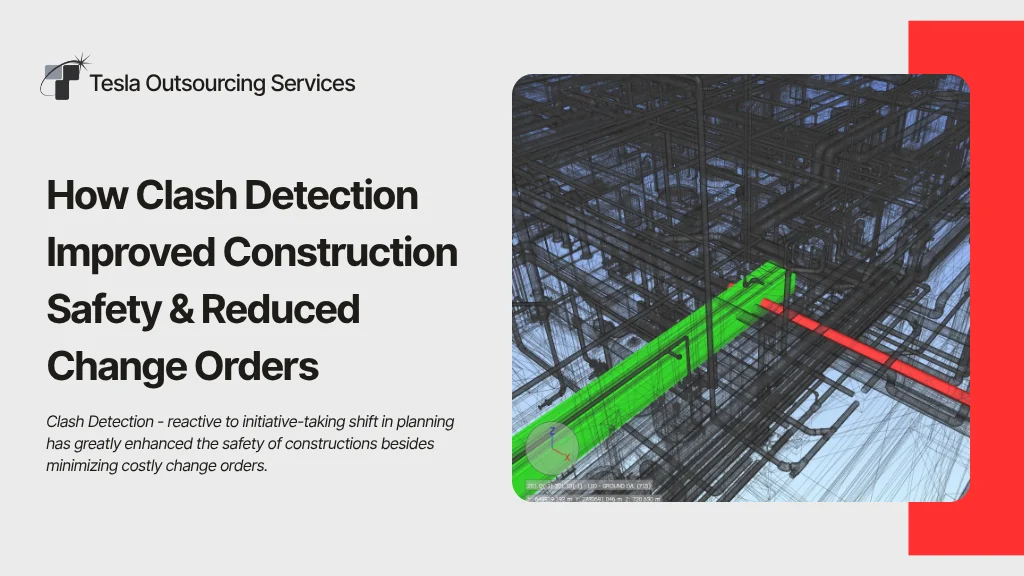
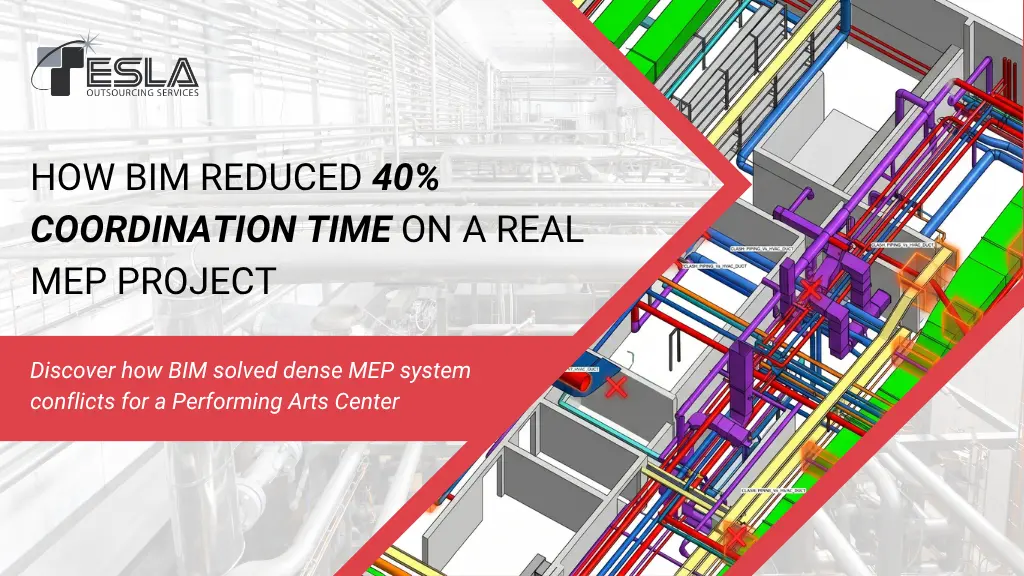
5. Poor Coordination and Clash Detection
Mistake: Disparate teams like architectural, structural, mechanical, etc. working on individual drawings without proper coordination often leads to clashes between different building elements because of the overlapping placements or conflicting dimensions. This necessitates costly rework during construction and even creates misunderstandings.
Solution: Advanced CAD software with BIM capabilities allows for real-time clash detection. This identifies potential conflicts between different disciplines before construction begins, allowing for adjustments to be made virtually and saving both time and money during the build phase.
6. Unclear Drawing Standards
Mistake: Using non-standard symbols, abbreviations, or drawing styles. This can lead to misinterpretations by other professionals involved in the project.
Solution: Advanced CAD software comes pre-loaded with industry-standard symbols and annotation tools. This ensures all drawings are clear, consistent, and universally understood by construction professionals across all disciplines. This results in fewer errors, improved communication, and a more streamlined construction process.
7. Ignoring Project Constraints
Mistake: Creating construction designs that disregard crucial factors like budget, site limitations, building codes, environmental considerations and more. This results in impractical or unbuildable designs and also can lead to legal issues or project delays due to permit complications.
Solution: Advanced CAD tools can integrate with project management software. This allows the designers to factor in budget constraints, regulatory requirements and more directly into the design process. So that the project is feasible, cost-effective, and adheres to all necessary regulations from the start.
Conclusion
In conclusion, construction drawing errors can significantly impact projects. By leveraging advanced CAD services, construction professionals can streamline the creation, review, and collaboration processes, resulting in more accurate and error-free construction documents. This leads to fewer costly delays, improved communication, hassle-free permits and a more efficient construction process. If you’re looking to minimize errors and improve your construction project outcomes, consider investing in advanced CAD solutions. Contact us today to learn more about how our Construction drawing services can help you achieve successful projects.